Wide Gamut Test
This test checks the color capabilities reported by your browser and shows an sRGB and Display P3 comparison.
Checking color capabilities…
Technical checks
- Wide-gamut display path (color-gamut: p3)Could not verify
- CSS Display P3 colorsCould not verify
- Canvas 2D Display P3 color spaceCould not verify
- Rec. 2020 display pathCould not verify
- CSS Rec. 2020 colorsCould not verify
Visual sRGB and Display P3 comparison
On a correctly configured wide-gamut display, the wider-gamut color in each column should look more saturated than the matching color above.
sRGB
Display P3
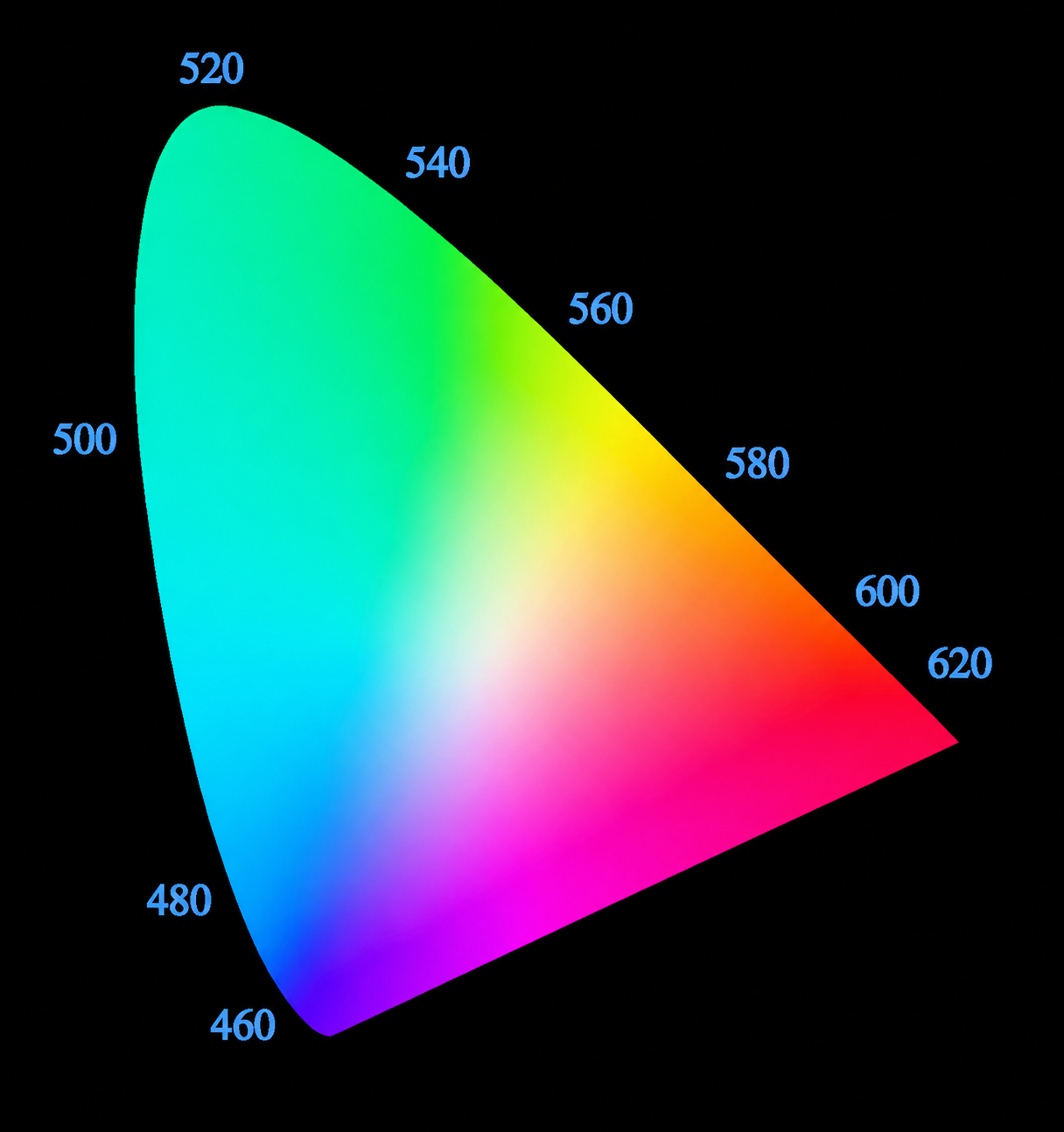
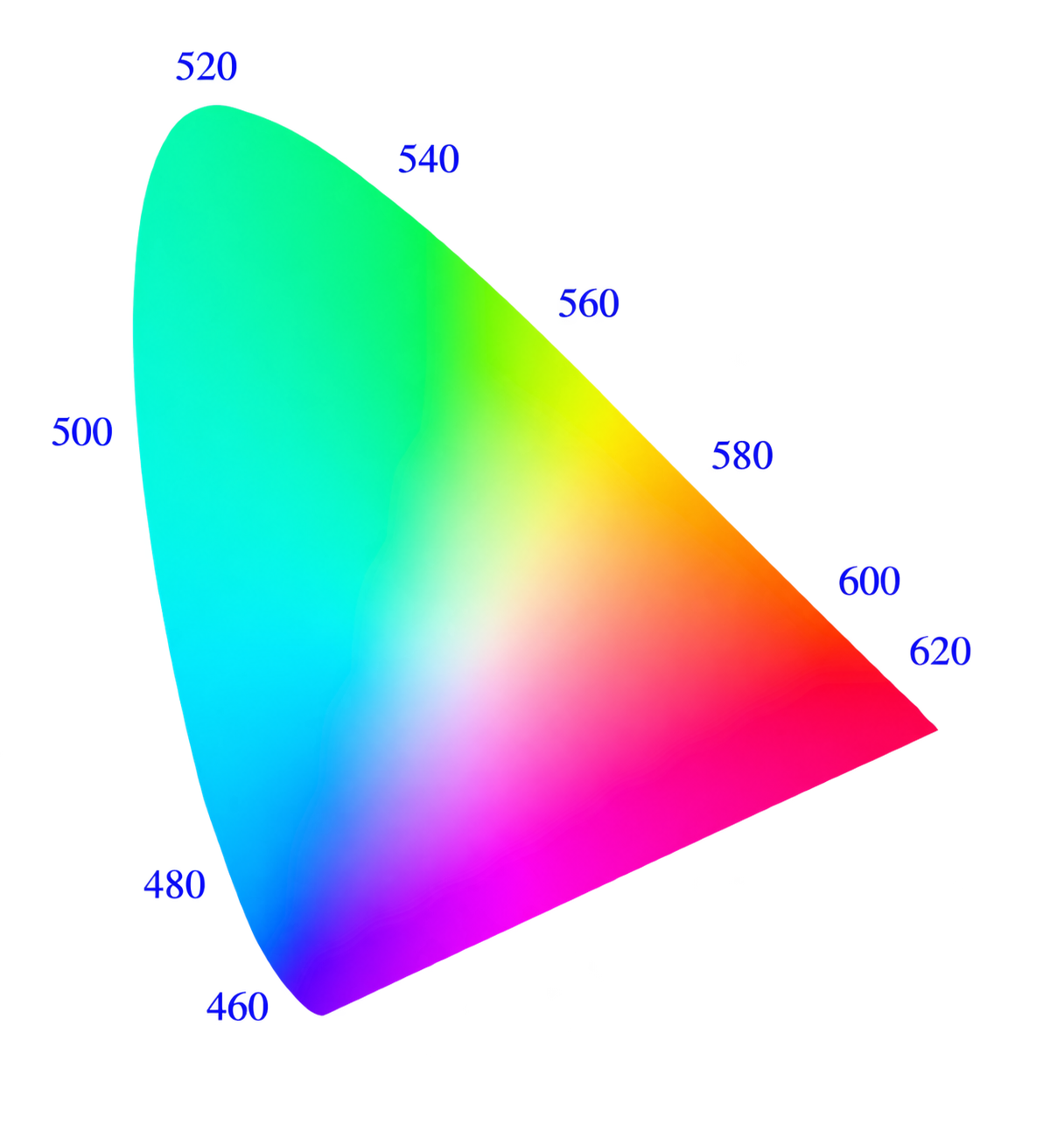
Color gamut comparison on the CIE 1931 xy diagram
What is a wide color gamut?
A color gamut is the range of colors that a display and its software can reproduce. Most web content uses sRGB. Display P3 covers a larger part of the visible spectrum, especially saturated reds and greens, and is common on modern phones, tablets, laptops, and monitors.
How does the test work?
The automatic result combines two browser signals. The CSS check confirms that Display P3 color syntax is understood. The color-gamut media query reports whether the current display path can show approximately the P3 range. Canvas and Rec. 2020 are listed separately as additional diagnostics.
How to interpret the comparison
If wide-gamut output is available and color management is configured correctly, the samples in the Display P3 row and, when shown, the Rec. 2020 row should appear more vivid than the corresponding samples above. If the rows look the same, the colors may have been limited to a smaller gamut somewhere between the browser, operating system, graphics driver, and display.
Accuracy and limitations
This page cannot measure a display panel or read its ICC profile directly. A definitive gamut measurement requires a colorimeter. Use this test to check the browser’s output path and to spot visible differences between standard and wide-gamut web colors.